








Note
Why timely maintenance matters more in the age of AI

AI hasn't made cyberattacks a new phenomenon. It has made parts of the process faster and more accessible. That makes the time between a vulnerability becoming known and being exploited increasingly important. For business owners, this is no reason to panic, but it is a good reason to take website maintenance seriously and organise it properly.
A business website usually has more moving parts than you can see on screen. These include the hosting environment, WordPress itself, a theme, plugins, user accounts and connections to other services. Each part can be updated, become outdated or contain a vulnerability.
For years, putting off maintenance could sometimes go unnoticed. That did not make it safe, but the risk felt less immediate. With automated scanning widely available and AI increasingly assisting research, reconnaissance and the adaptation of attack techniques, that window is narrowing.
What AI actually changes
Automated searches for vulnerable websites have been around far longer than generative AI. Saying that AI is suddenly hacking every website is an oversimplification. What is changing is the speed at which information can be processed and tasks can be supported.
For example, AI can help analyse software, understand a vulnerability that has been found, write or adapt code and select promising targets. Google Threat Intelligence therefore describes AI as a force multiplier: it does not replace the attacker entirely, but it can speed up several stages of an attack.
For website owners, the practical lesson is clear: once a security vulnerability is known and can be exploited, you do not want to wait weeks before checking whether your site is affected.

How a known vulnerability becomes an attack
A vulnerability is discovered. Technical information or working example code is published. Scans then search for websites still running the affected software version. Once a site is found, an attack can be attempted.
This process varies between vulnerabilities, and not every outdated website is automatically attacked. Even so, the trend is clear enough to take seriously. Mandiant research has already shown that the average time to exploit vulnerabilities has shortened. More recent analyses also place increasing amounts of exploitation before, or very close to, public disclosure.
The risk is therefore not limited to a highly targeted attack on your business. Much of the threat is opportunistic: systems search at scale for a known weakness. A small organisation can be found just as easily as a large one.
Website security goes beyond WordPress
A website's security depends on its components and the ways people can access them. An up-to-date version of WordPress offers little protection if an old plugin remains vulnerable. Even a well-maintained site can be put at risk by a weak administrator password, a forgotten account or an insecure external connection.

That is why our maintenance work goes beyond the red notification beside an update. We look at how everything fits together: which software is running, whether it is still needed and actively maintained, who has access, and whether the site can be restored if a change goes wrong.
The cost of putting maintenance off
Imagine a website uses a plugin for which a serious security vulnerability has been disclosed. The plugin remains on the old version for several weeks. A scan finds the site and attempts to exploit the known vulnerability. If it succeeds, an attacker could add unwanted user accounts, publish spam, redirect visitors or change files.
The visible problem might be an unavailable website, but the costs often extend much further: investigation, recovery, checking data, communication, lost revenue and reputational damage. You also need to be able to establish what happened and whether personal data may have been affected.
This example is not a prediction, nor does it mean every overdue update leads to an incident. It does show why leaving a known risk unresolved is rarely a sound business decision.
Updates are only part of the job
Blindly updating everything at once is not a sound maintenance strategy either. An update can conflict with bespoke functionality, an integration or another plugin. Good maintenance therefore combines security with continuity.
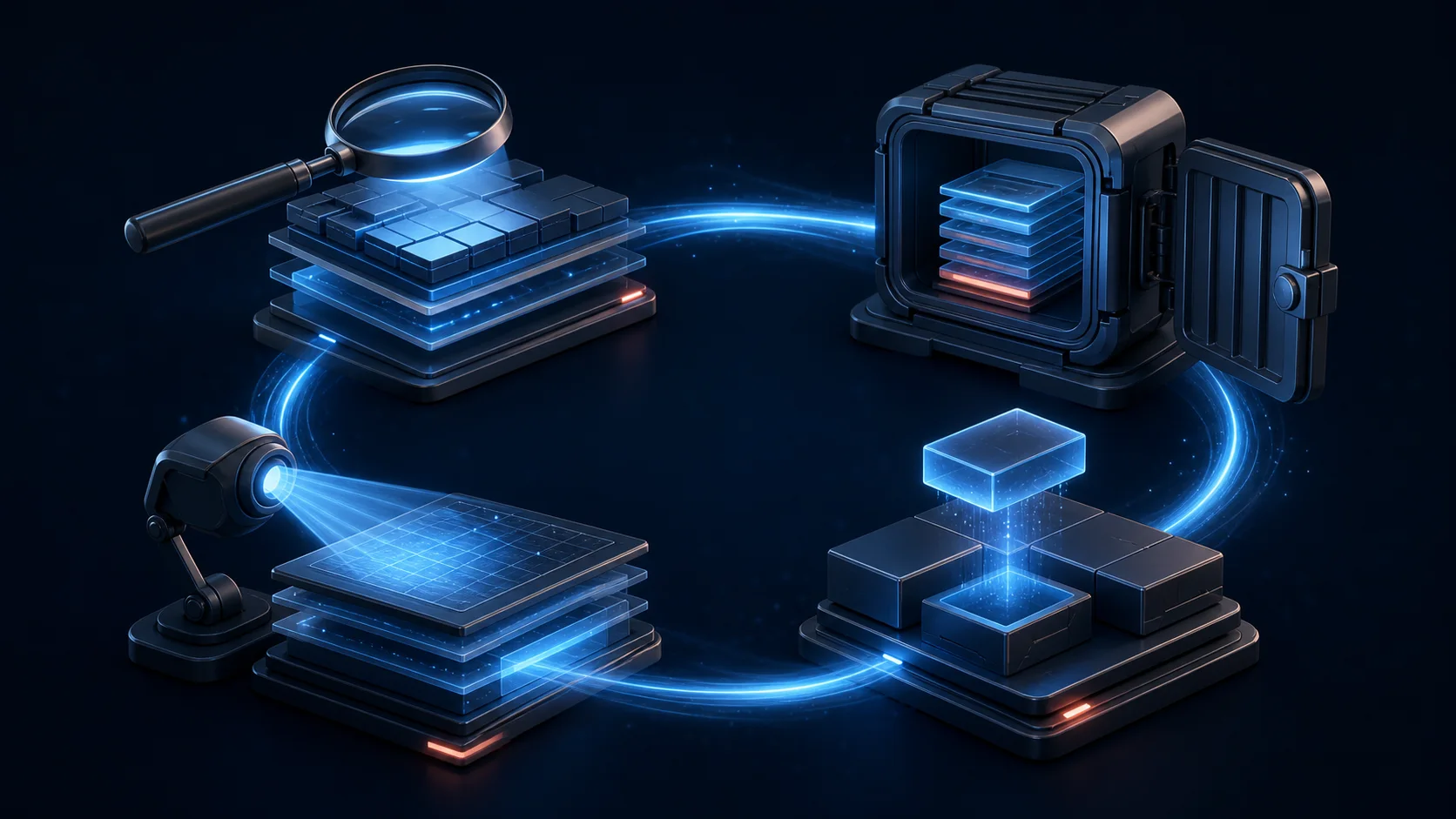
- Assess the change. What is changing, how urgent is it and which components could be affected?
- Create a usable backup. Do not simply assume a backup exists: know how to restore it.
- Update in a controlled way. Critical security updates take priority; larger changes are tested as appropriate.
- Check that everything works. This includes forms, logins, payments, important pages and error messages.
WordPress itself recommends keeping the core software, plugins and themes up to date and making a backup before changes. That sounds straightforward, but its value lies in consistently following through.
What you can check today
- When were WordPress, the plugins and the theme last checked?
- Does the site contain software that is no longer used or maintained?
- Which accounts have administrator access, and are they all still needed?
- Is two-factor authentication enabled wherever possible?
- Are backups created automatically, and can someone actually restore them?
- After an update, does anyone check that the most important features still work?
If you cannot clearly answer several of these questions, that is a useful signal. It does not necessarily mean something is wrong today, but it does suggest that responsibilities and arrangements could be clearer.
Stay calm. Take responsibility.
No maintenance approach prevents every incident. Even fully updated software can contain a vulnerability that has not yet been discovered. Good maintenance does reduce the chance of a known problem remaining unresolved unnecessarily and makes recovery more manageable if something does happen.
AI therefore does not change the fundamentals, but it does increase the pace. Knowing what is running, assessing changes promptly, updating carefully and continuing to check the results are not optional technical extras. They are part of running a business online.
Not sure where your website stands? We can review its technical foundations and current maintenance arrangements with you. Contact Web and Brand.
Sources and further reading
- Google Threat Intelligence: AI in vulnerability research and exploitation
- Mandiant: trends in the time between disclosure and exploitation of vulnerabilities
- Google Cloud and Mandiant: AI-assisted vulnerability management and the shrinking time to exploitation
- CISA: Known Exploited Vulnerabilities Catalog
- WordPress documentation: updating WordPress safely
- WordPress documentation: managing and updating plugins